 1c129915f0
* adds support for ploopy mouse while not using tapdance * Add Vial support for NCR80 ALPS SKFL/FR (#819) * add support * fix * Update config.h * Add vial support for the elongate delta (#826) * Add vial support for the elongate delta delta * removing uneeded parts * Add Vial support for desire65 (#830) * Add vial support for lazydesigners/kontro (#842) Add vial support for lazydesigners/kontro * added readme file for rorian04_kbd keyboard (#843) * added readme file for rorian05_kbd * Update readme.md * Add support for K1 Pro ISO RGB, bluetooth delete, USB cable only. (#838) * add keyboard kbd0/curve0/60_ansi (#834) * add keyboard kbd0/curve0/60_ansi * Update vial.json * Port Leviatan to VIAL (#829) * Port Swiss to VIAL (#827) * Port Swiss to VIAL * Revert some changes * feat: add VIAL support for xt60_singa (#824) * fix tapping force hold to use quick tap term internally (#839) * keebio/quefrency/rev5: reduce vial fw size * disable key override to save a lot of flash storage --------- Co-authored-by: Sắn <59417802+MaiTheSan@users.noreply.github.com> Co-authored-by: Patrick Muldoon <doon@labratsoftware.com> Co-authored-by: akyp <archerkeyboard2022@gmail.com> Co-authored-by: Jacky@LAZYDESIGNERS <jacky_lijun@126.com> Co-authored-by: Rorian04 <114996287+Rorian04@users.noreply.github.com> Co-authored-by: richud <github@richud.com> Co-authored-by: kbd0 <108237598+kbd0@users.noreply.github.com> Co-authored-by: Nam <hey@sunsetsonwheels.me> Co-authored-by: Yuri Paharev <blood13th@gmail.com> Co-authored-by: Jaeseok Lee <devsunb@gmail.com> Co-authored-by: Ilya Zhuravlev <whatever@xyz.is> |
||
|---|---|---|
| .. | ||
| keymaps | ||
| config.h | ||
| keyboard.json | ||
| readme.md | ||
| rules.mk | ||
Ploopyco Mouse
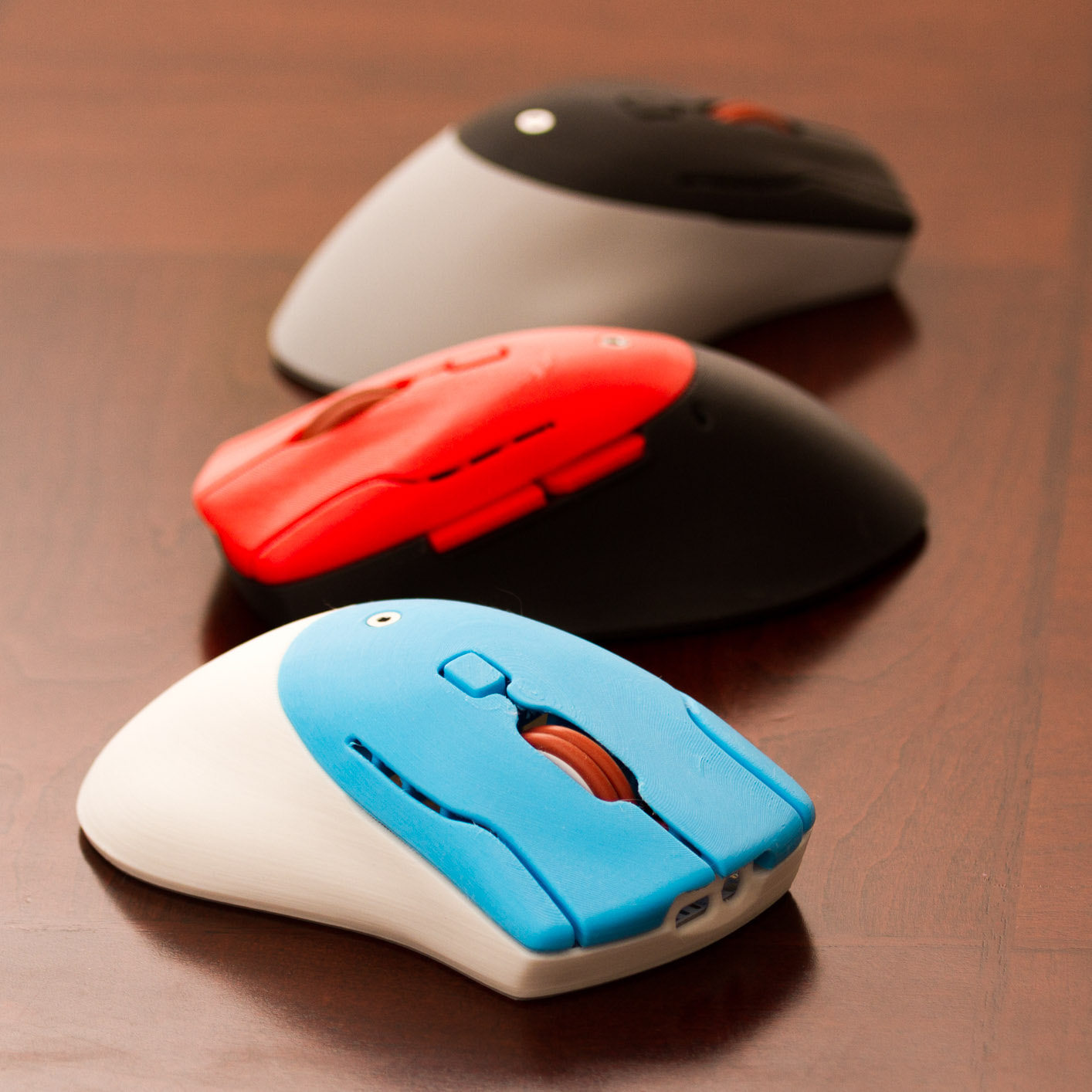
It's a DIY, QMK Powered Mouse!!!!
- Keyboard Maintainer: PloopyCo, Drashna Jael're, Germ
- Hardware Supported: ATMega32u4 8MHz(3.3v)
- Hardware Availability: Store, GitHub
Make example for this keyboard (after setting up your build environment):
make ploopyco/mouse:default:flash
To jump to the bootloader, hold down "Button 4" (the "forward" button on the left side)
See the build environment setup and the make instructions for more information. Brand new to QMK? Start with our Complete Newbs Guide.
Customizing your PloopyCo Mouse
You can find customziation options here.