|
|
||
|---|---|---|
| .. | ||
| keymaps | ||
| config.h | ||
| halconf.h | ||
| keyboard.json | ||
| mcuconf.h | ||
| readme.md | ||
| rules.mk | ||

Sofle Choc Pro
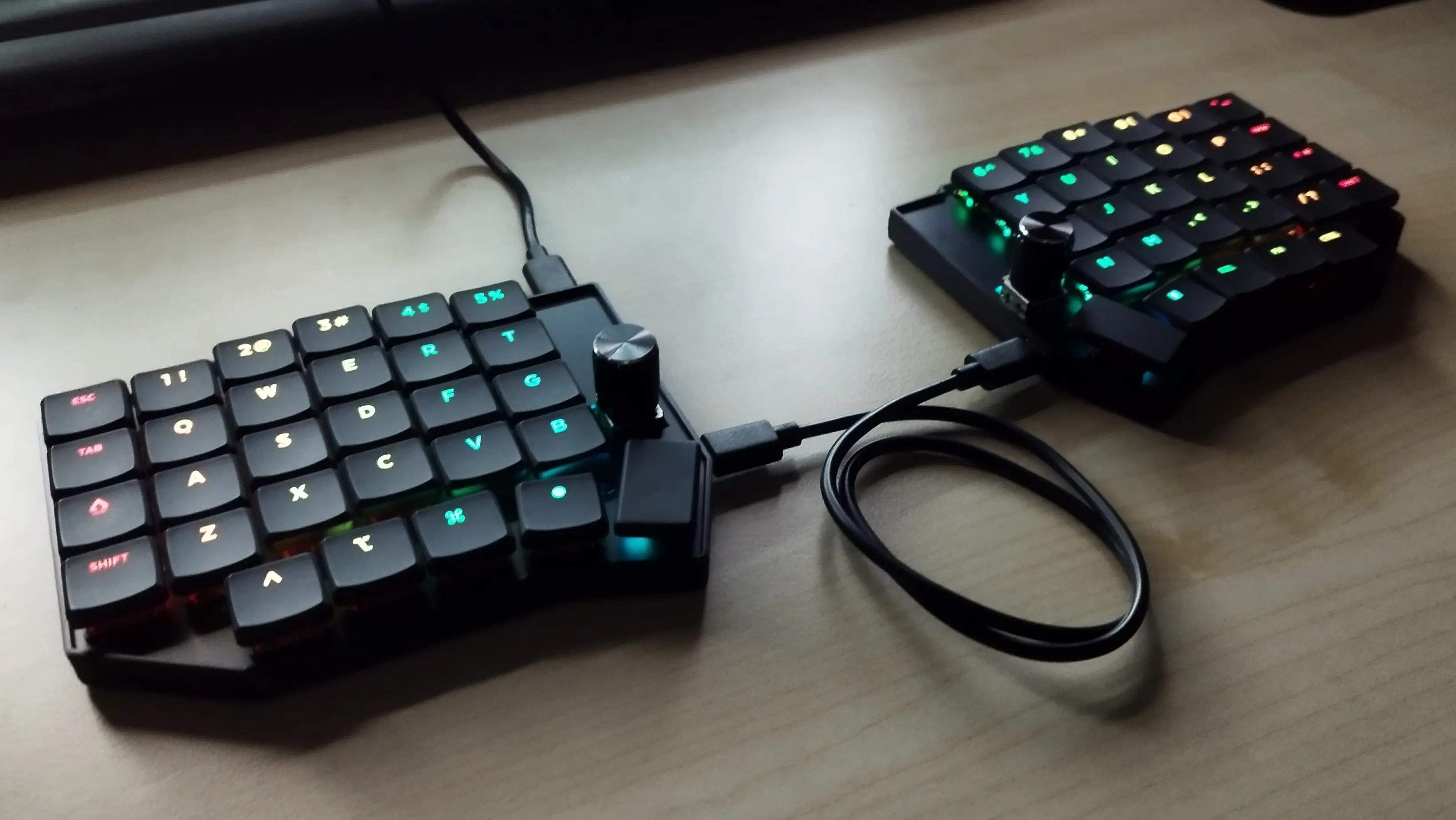
A complete remake of the Sofle Choc Keyboard by Josef Adamčík. Featuring an onboard RP2040 with 128 MB flash memory and choc-spaced keys for a more compact keyboard.
- Keyboard Maintainer: Keebart
- Hardware Supported: RP2040
- Hardware Availability: Keebart Shop
Make example for this keyboard (after setting up your build environment):
make keebart/sofle_choc_pro:default
make keebart/sofle_choc_pro:vial
Flashing example for this keyboard:
make keebart/sofle_choc_pro:default:flash
make keebart/sofle_choc_pro:vial:flash
See the build environment setup and the make instructions for more information. Brand new to QMK? Start with our Complete Newbs Guide.
Bootloader
Enter the bootloader in 3 ways:
- Bootmagic reset: Hold down the top left key of the left side of the keyboard while connecting the left side to the computer. Similarly, hold down the top right key of the right side of the keyboard while connecting the right side to the computer.
- Physical reset button: Briefly press the button on the back of the PCB
- Keycode in layout: Press the key mapped to
QK_BOOTif it is available